Add your first Vehicle
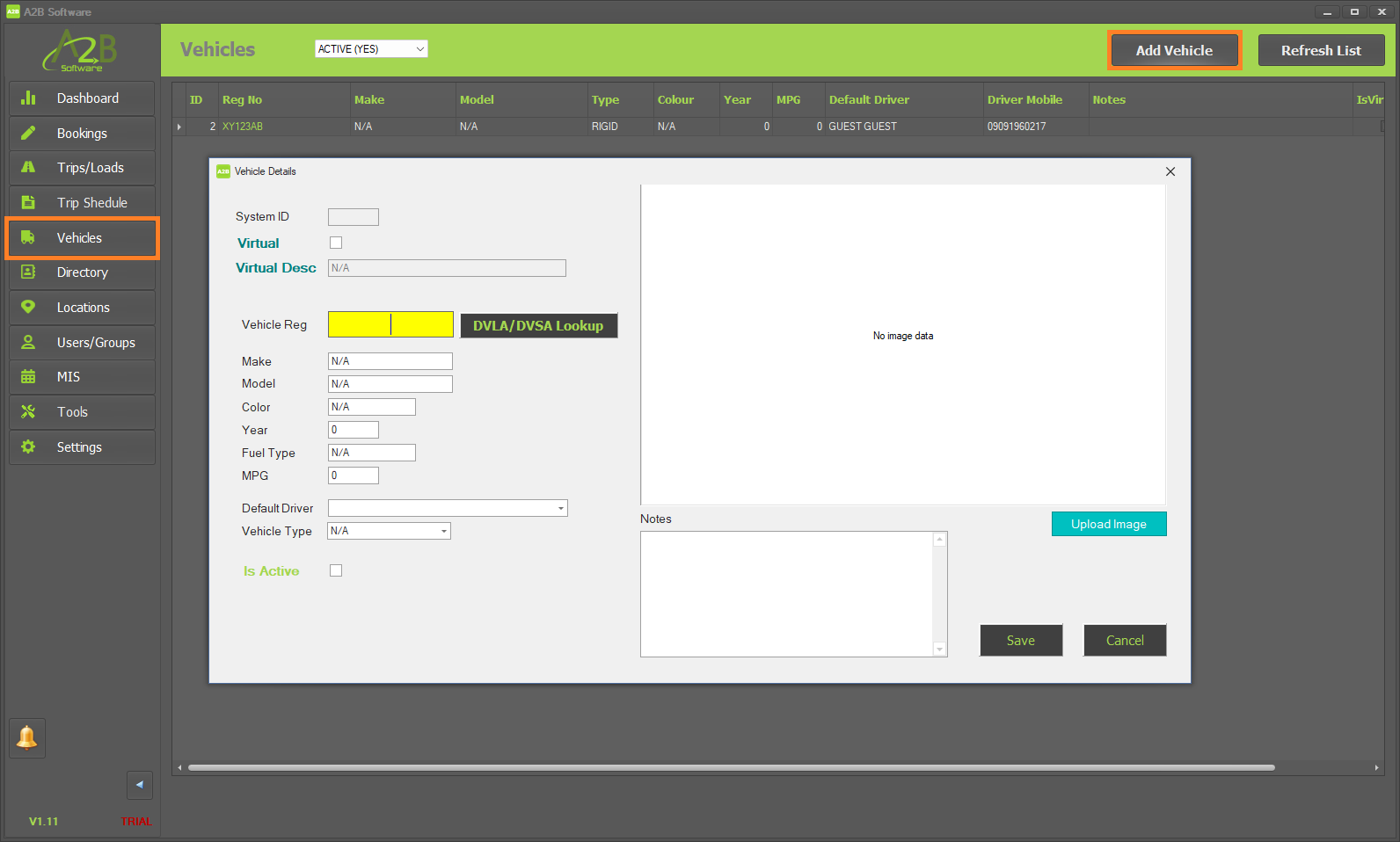
To add your first Vehicle, click on 'Vehicles' within the left menu then click the 'Add Vehicle' button towards the top right of the A2B TMS.
In the Vehicle Details form that appears, enter your Vehicles details.
You are able to create 'Virtual Vehicles' (or placeholder vehicles which can be used for Load planning)